Writing & SEO
How to use Illuminarty
See Illuminarty’s scores on a known NASA photograph and an AI-generated control. Follow the same browser steps and learn what the result can tell you.
Research summary
In our signed-out test Illuminarty gave a historical NASA photograph a higher AI score than a known generated image. Both exact inputs and output screenshots are available.
How to run an Illuminarty image check
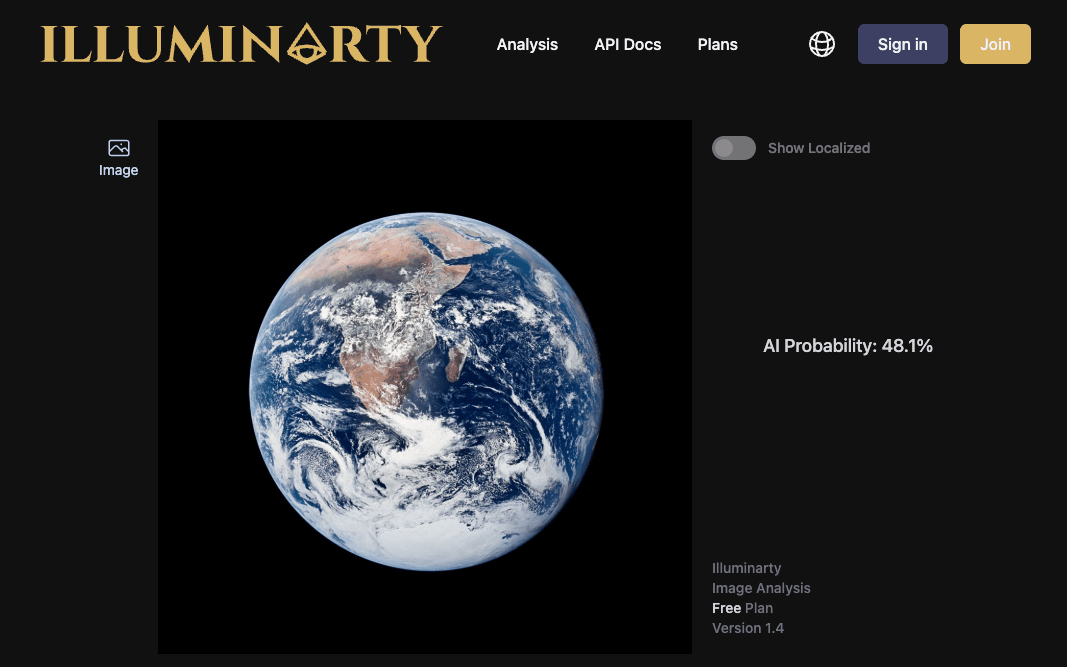
Open the Illuminarty web app and select Image. If the welcome screen appears, choose Go to main page. Drop a PNG, JPEG or WebP into the upload area or use the file picker. Wait for the result beside the preview. We used the free image check in a signed-out browser on 24 November 2026. The interface displayed Image Analysis Version 1.4.
Write down the displayed number, then look for evidence of who made the image. Keep an untouched copy of the file and record any crop or conversion separately. Avoid uploading private material without permission.
Example 1. A historical photograph scored 48.1%
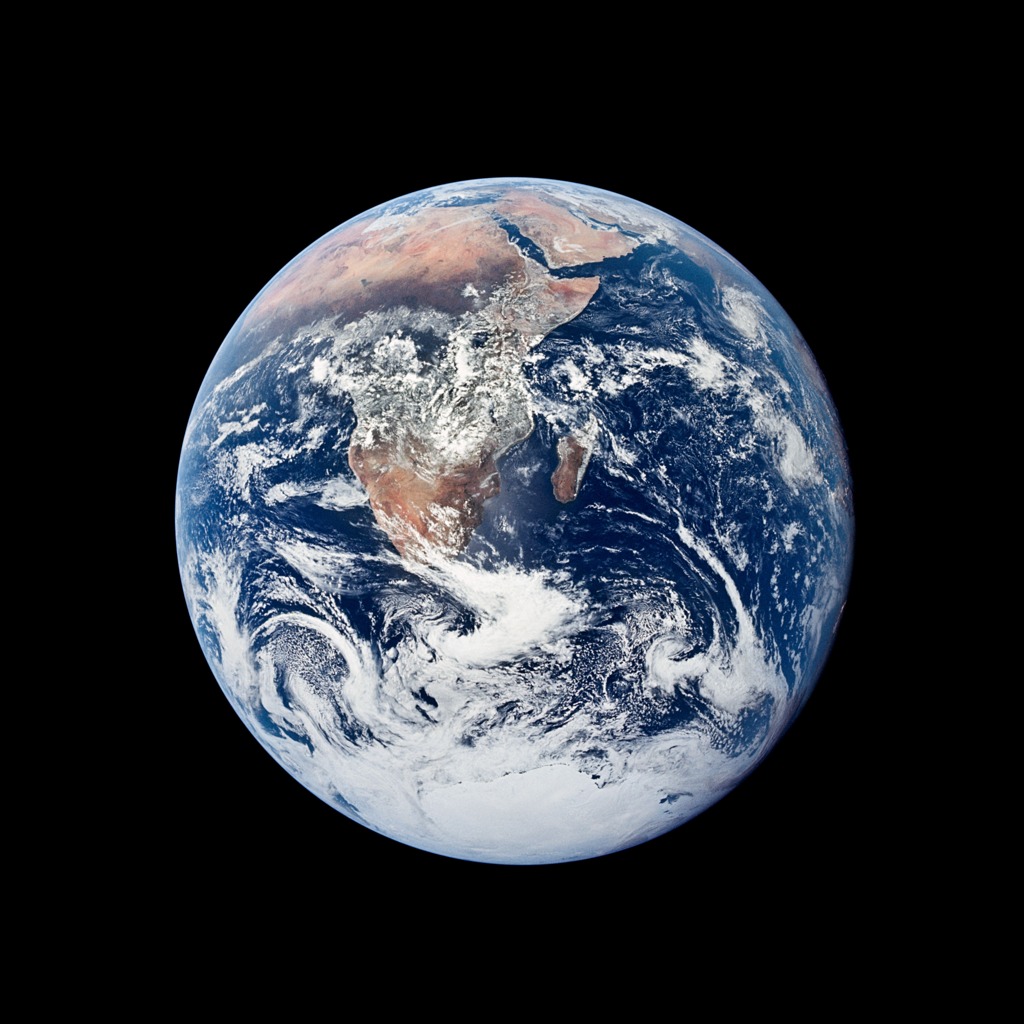
We started with NASA’s Apollo 17 photograph AS17-148-22727. The crew photographed Earth in December 1972. We resized the NASA file to a 1024-pixel square JPEG for the upload. Download the exact photograph input.
Example 2. A generated image scored 23.8%
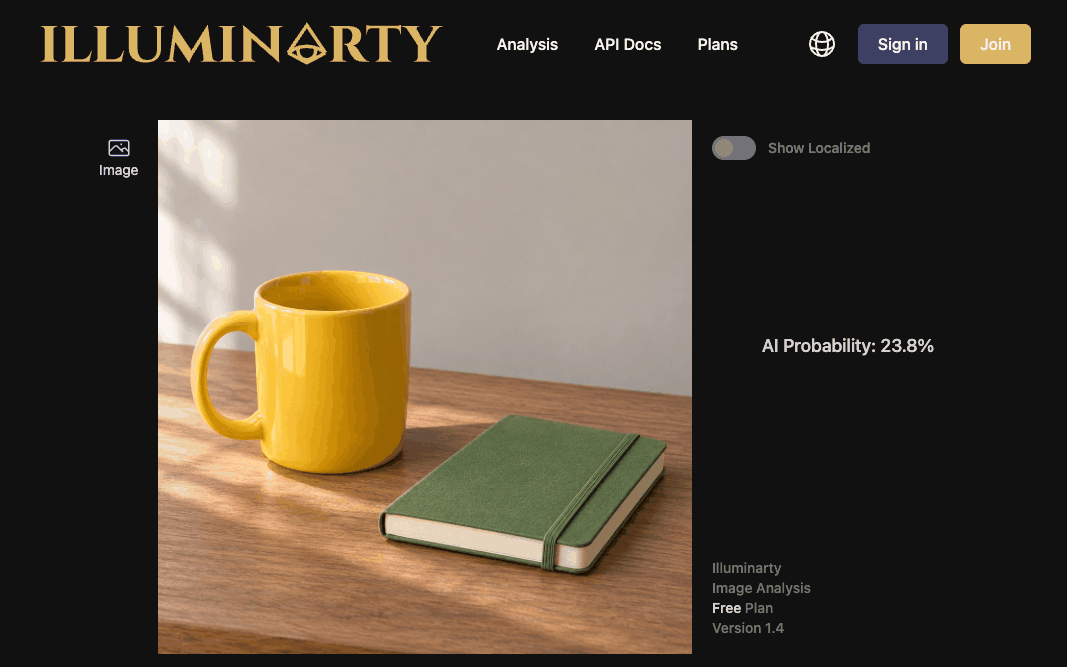
We used OpenAI image generation to make a still life of a yellow mug and a green notebook on a wooden desk. We saved the result in the same JPEG format at the same dimensions. Download the exact generated input.

What can you conclude from the score?
Illuminarty assigned a higher AI score to the historical photograph than to the generated still life. In this pair, the score order disagreed with known provenance. We used different subjects, tested each image once and applied no decision threshold. These two scores cannot establish an overall error rate. The test record includes the prompt and file hashes.
For a consequential decision, look for the original publication or capture record and check any available source metadata. If you need to decide whether an image has been altered, compare it directly with the earliest copy you can verify. See our Illuminarty review for the broader feature and plan distinctions. The walkthrough above covers the free score only.